LIVE DEMO · simulated alerts

Under the hood

Snort logo Snort Architecture

Understanding the Intrusion Detection System: how a packet travels from the wire to an alert.
The big picture

Snort Architecture Overview


Snort architecture consists of several key components that work together to detect and prevent network intrusions. The main components include the packet decoder, preprocessors, detection engine, and output modules.

Packet Decoder

Captures and decodes network packets

Preprocessors

Normalize and prepare data for analysis

Detection Engine

Applies rules to detect threats

Output Modules

Generate alerts and logs

Beyond signatures

Snort Advanced Features

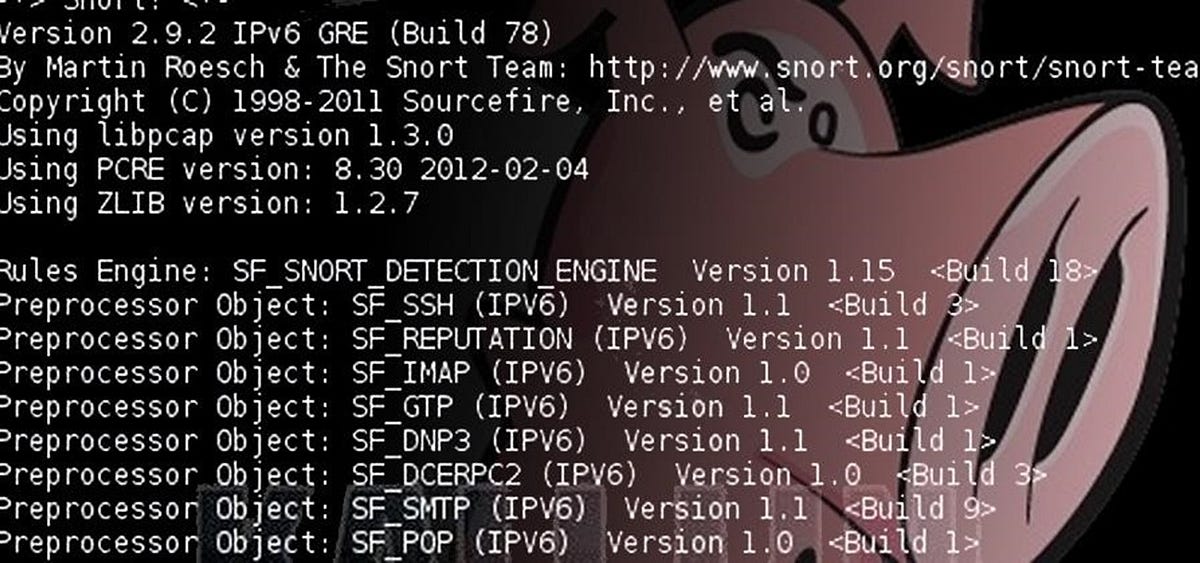
Service, Application & File Identification

Modern Snort deployments go beyond simple signature matching. Advanced features enable Service Identification — detecting what service is running on a specific port (HTTP, FTP, SSH, etc.) even if it's using a non-standard port. Application Identification goes a step further by recognizing the specific application generating the traffic (e.g., Chrome, Firefox, or even specific web applications). File Identification allows Snort to recognize file types being transferred (PDF, EXE, ZIP) and apply specific rules based on file content or metadata.

IP Reputation & Threat Intelligence

Snort can integrate with IP Reputation feeds to block traffic from known malicious sources. This is particularly useful for blocking command-and-control (C2) servers, known botnet nodes, or entire malicious IP ranges. Combined with Threat Intelligence feeds, Snort can dynamically update its rule base based on emerging threats and global attack patterns.

Inline Versus Passive Deployment

Snort can be deployed in two primary modes:

PASSIVE · IDS

Passive Mode (IDS - Intrusion Detection System)

Snort monitors traffic by receiving copies of packets (usually via a SPAN/mirror port on a switch). It analyzes traffic and generates alerts but does not block any traffic. This is ideal for monitoring and forensic analysis where blocking might disrupt business operations.

INLINE · IPS

Inline Mode (IPS - Intrusion Prevention System)

Snort sits directly in the traffic path and can actively block malicious traffic in real-time. This requires additional hardware considerations and careful rule tuning to avoid false positives that could disrupt legitimate traffic.

Tip: For production environments, start with passive mode to understand your traffic patterns before moving to inline blocking.

Hardware Considerations

When deploying Snort, hardware selection is critical to performance:

CPU

Snort is CPU-intensive, especially with a large rule set. Look for high single-core performance or multiple cores for parallel processing. Consider Intel Xeon or AMD EPYC processors with high clock speeds.

Memory (RAM)

Rule sets, preprocessors, and state tables require significant memory. A minimum of 16GB is recommended for most deployments, with 32GB+ for high-traffic environments.

Network Interface Cards (NICs)

For inline mode, use high-quality NICs that support hardware offload (e.g., Intel i350 or higher). For passive mode, ensure the NIC can handle the traffic load without dropping packets.

Storage

Fast SSD storage is recommended for logging and event storage, especially in high-traffic environments where logs can accumulate quickly.

Throughput

Consider the expected traffic volume. A rule of thumb is to size hardware for at least 2x the expected throughput to handle bursts and future growth.

Key Consideration: Hardware requirements depend heavily on your rule set size, traffic volume, and deployment mode. Always test with your specific workloads before going live.
From the lab

Snort Architecture Components

Packet Decoder
Packet Decoder

Captures and decodes network packets for analysis.

Detection Engine
Detection Engine

Applies rules to detect malicious activity.

Output Modules
Output Modules

Generates alerts and logs for security events.

Back to Snort
Disclaimer

Snort is a trademark of Cisco. This website is an independent educational resource and is not affiliated with, sponsored by, or endorsed by Cisco. Any Snort trademarks, logos, and screenshots are used solely for identification and educational purposes.

Official Website: www.snort.org